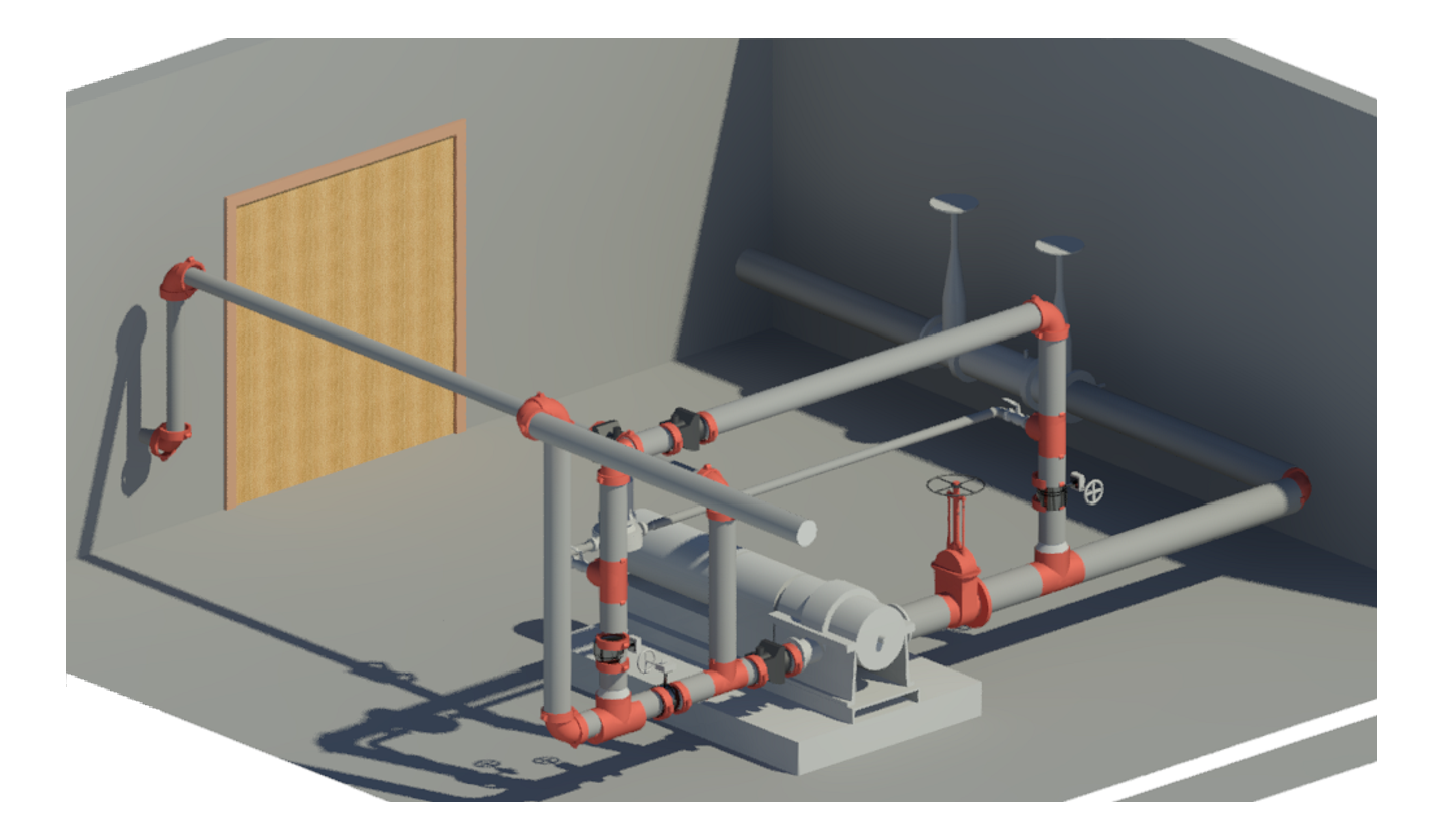
Proj 11 Render

Steps for Modeling in Revit MEP

In Revit, a designer can model a system, but by a major steps for working on the project will be much easier.


1 – Add items of the system

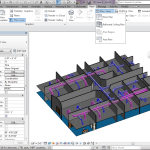
We can insert items / families into a project using insert family tool


ch-01-52brevit2bmep2bproject2buserinterface-mp4_snapshot_01-41_255b2015-11-30_22-04-14255d

then by selector type section at the Properties Palette we place them to specific positions in building.


ch-06-22bplacing2bsprinklers_27

1

2- Add items to a system.


group system component in same system, by specify the type and select items then create a system, put a name to find it any time easily.


11

21

31

51

3- Modeling

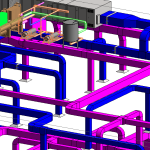
will be easy now, we can do it manually or automatically by generate tool


111

untitled

161

This content is blocked because it would connect to YouTube.


This content is blocked because it would connect to YouTube.


This content is blocked because it would connect to YouTube.

This content is blocked because it would connect to YouTube.


This content is blocked because it would connect to YouTube.

This content is blocked because it would connect to YouTube.


Leave a Comment

Your email address will not be published. Required fields are marked *