Skip to content
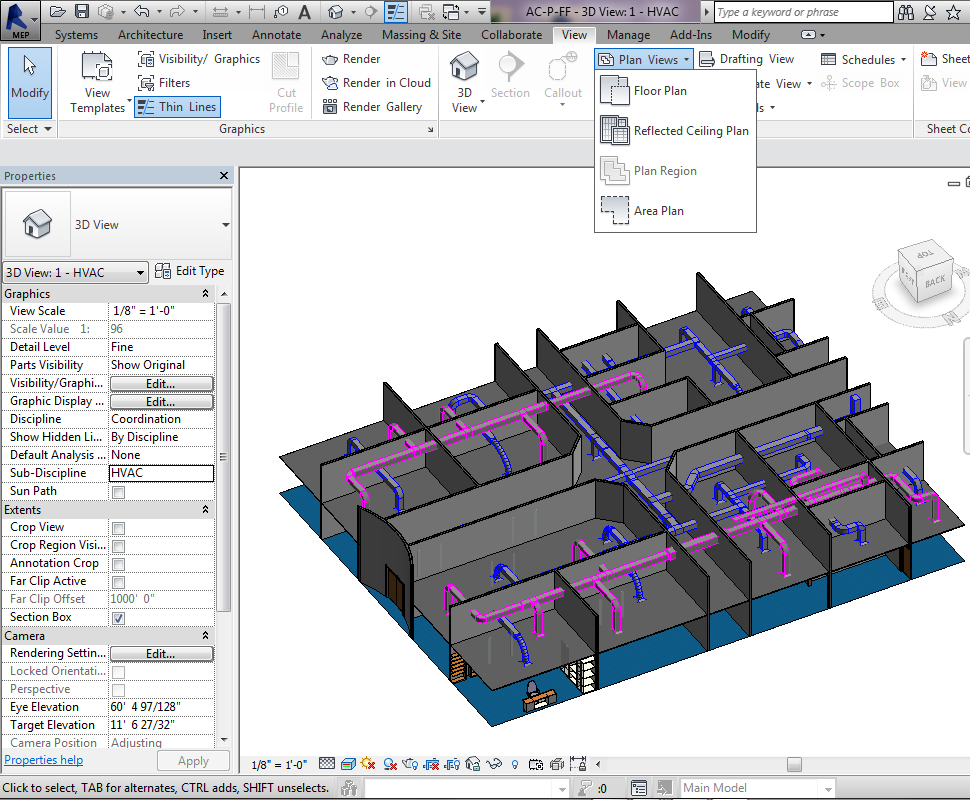
After copied levels at architecture link file by Copy/Monitor command, start creating plans and RCP for the levels.
1- Create Plans
From the Ribbon/ View/ Plan Views/ Floor Plan
Choose the levels you want to be created
Be sure you turn on the check box for not duplicating views, then click OK.
2- Create Reflected Ceiling Plans (RCP)
From the Ribbon/ View/ Plan Views/ Reflected Ceiling Plan
Choose the levels you want to be created, be sure you turn on the check box for not duplicating views, then click OK.
You will get levels as shown.